
UK IPTV FEATURES
IPTV Features for UK Viewers
Explore the practical features of UK Vision IPTV for live TV, on-demand entertainment and compatible devices. Choose a supported player and follow the relevant IPTV setup guide for your viewing setup.
THE EVERYDAY IPTV EXPERIENCE
UK IPTV Features for Flexible Viewing
Explore the core UK IPTV features that make it easier to choose a compatible setup, find the content you want and get practical help when you need it.
Live TV Channels
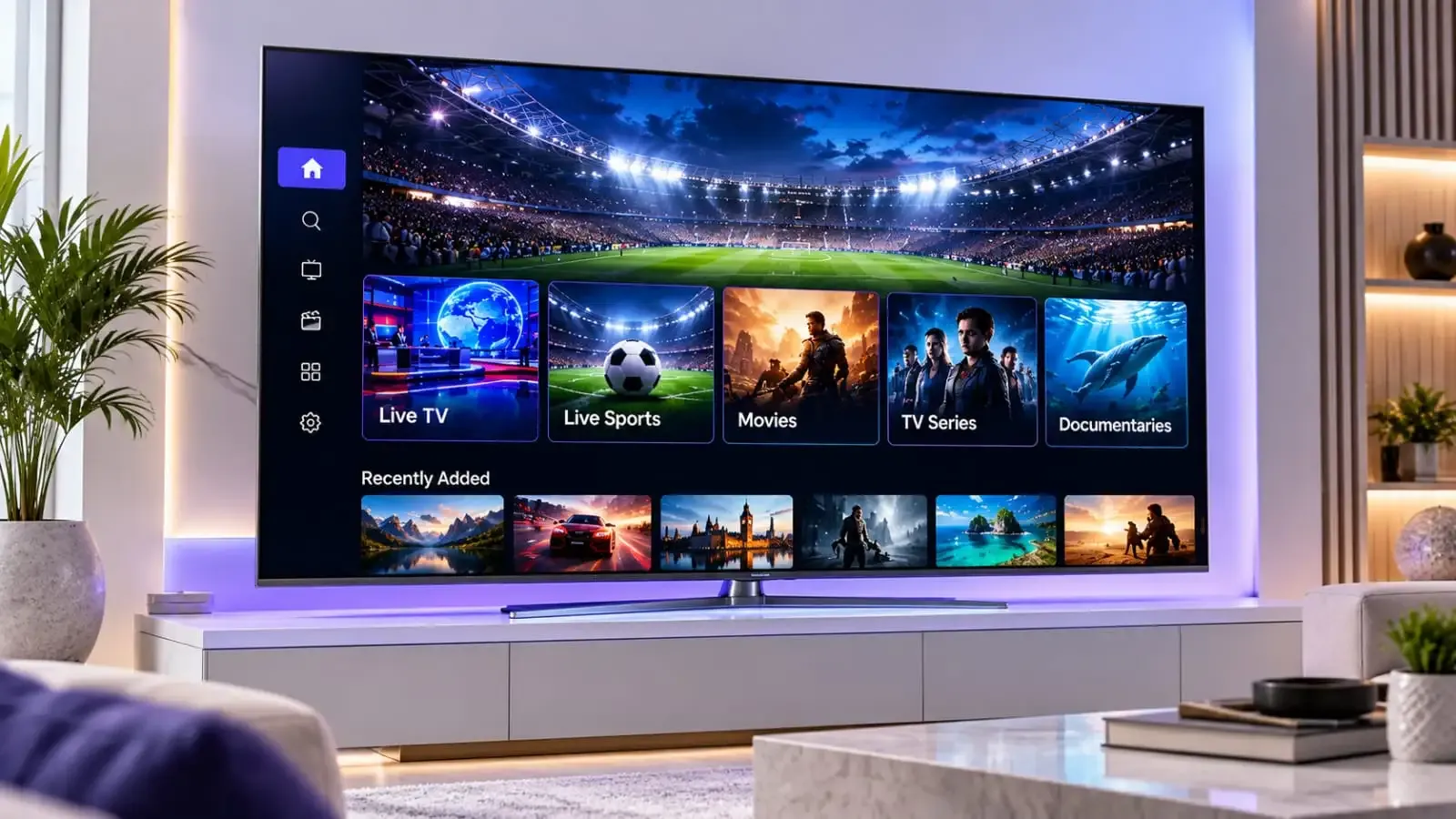
Explore 20,000+ live TV channels across sports, news, entertainment and international content, organised for straightforward viewing through a compatible IPTV player. Check your chosen app for channel categories and programme information.
Movies and Series
Browse 140,000+ movies and series alongside on-demand entertainment on compatible devices. Catalogue size, availability and playback depend on the selected player, device and account access.
Streaming Quality
HD and FHD viewing depends on the source, compatible player, device and connection. Use the relevant device guide and test your setup to choose the experience that suits your home.
Electronic Programme Guide
An IPTV EPG can show channel schedules and current programme information when your chosen player supports programme-guide data. App features and display options vary between players.
Compatible Devices
Use a compatible player on supported Smart TV, Firestick, Android TV, Apple TV, smartphones, tablets, Windows and Mac setups. Compatibility and player availability may vary by model and software version.
Setup and Customer Support
Follow the IPTV setup guide for your device, then contact support for practical help with player setup, account questions, connection checks and common viewing issues.
COMPATIBLE SETUPS
Watch on Your Favourite Devices
UK Vision IPTV can be used with supported Smart TVs, Firestick, Android TV, Apple TV, phones, tablets and computers. Player availability and compatibility may vary by model and software version.
Smart TV
Use a compatible player on supported Smart TV models.
Firestick
Follow the device guide for a compatible Fire TV setup.
Android TV
Check player availability for your Android TV model.
Apple TV
Use a compatible player on supported Apple TV models.
Mobile and Tablet
Watch on supported iOS and Android mobile devices.
Windows and Mac
Use a compatible desktop player on supported computers.
A CLEARER START
Get Started in Three Simple Steps
Choose your plan, set up a compatible player and start watching with practical guidance available throughout the process.
01
Choose Your Subscription
Compare the available UK IPTV subscription options and choose the plan and device setup that suit your household.
02
Set Up a Compatible Player
Install a compatible IPTV player on your chosen device and follow the relevant guide for entering your account details.
03
Start Watching
Use the player to load your channels and programme guide, then contact support if you need help with setup or compatibility.
PRACTICAL ANSWERS
Frequently Asked Questions
Find quick answers about compatible devices, programme-guide support, streaming quality and setup help.
Which devices can I use?
Does my player support the programme guide?
What affects streaming quality?
Where can I find setup help?
READY WHEN YOU ARE
Choose Your UK IPTV Subscription
Compare the available plans and choose the option that suits your devices and viewing setup.
Need a free trial? Request a 24-hour free trial.